
How to use local AI models with FreeScout
Use local AI models with FreeScout by connecting ReplyRabbit to Ollama or LM Studio and reviewing local draft quality before rollout.
For the core ReplyRabbit path, use How to set up ReplyRabbit. For general questions, keep ReplyRabbit FAQ nearby.
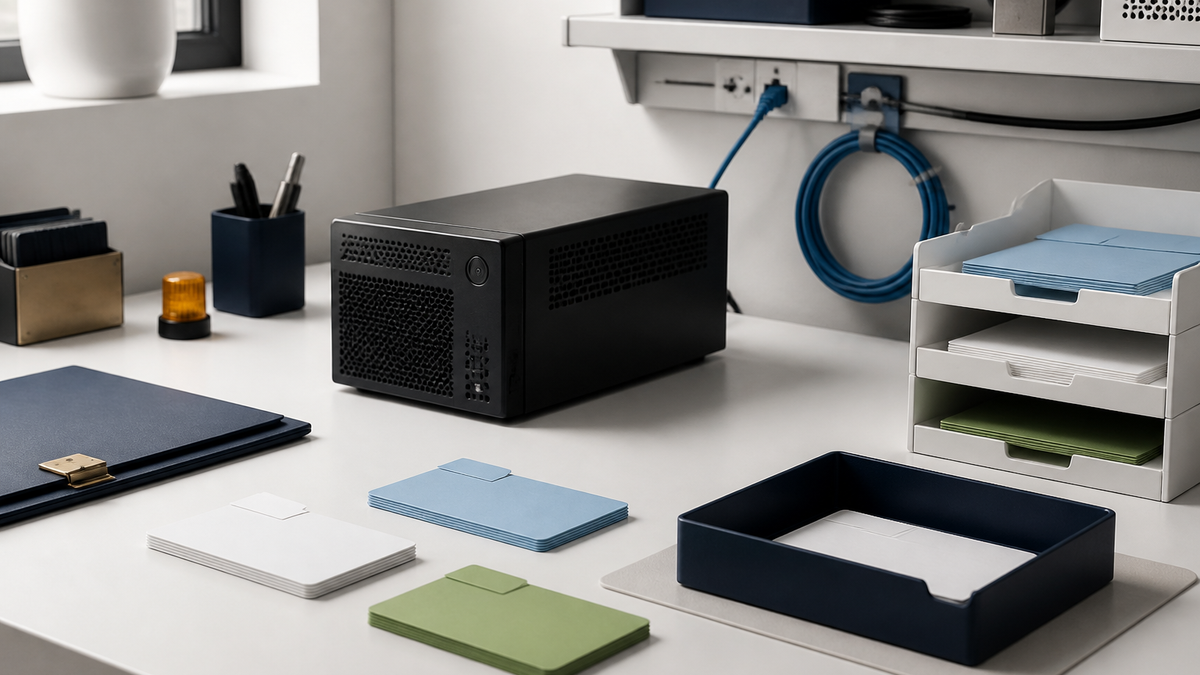
When to use this workflow
Use this when data residency or predictable provider cost matters. Start with Ollama integration and compare tradeoffs in Choosing an AI provider.
Local model path
Choose runtime
Choose a local runtime such as Ollama or LM Studio.Install model
Install and test a model outside FreeScout first.Check endpoint
Confirm the FreeScout server can reach the local endpoint.Configure ReplyRabbit
Configure ReplyRabbit mailbox settings for the local provider.Measure rollout
Measure draft quality, latency, and hardware load before expanding.
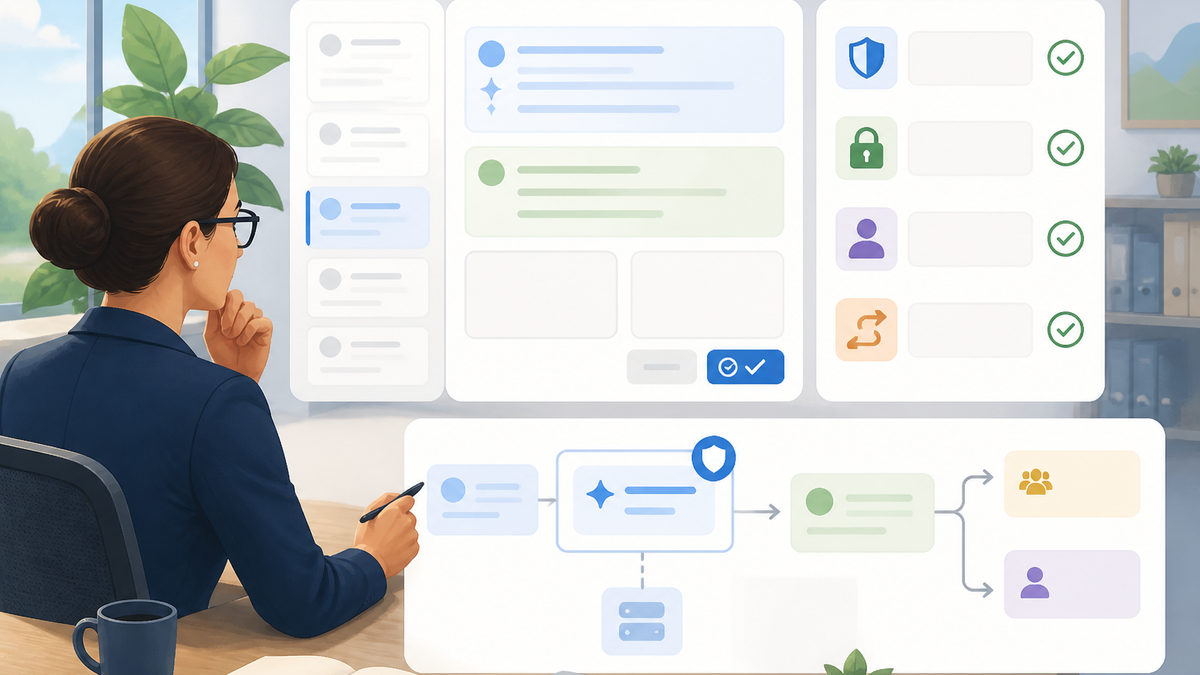
Quality and privacy checks
- Restrict local model endpoints to trusted hosts.
- Local AI still needs access control, monitoring, backups, and update discipline.
- Have a fallback plan if the local machine is offline or overloaded.
What to avoid
- Do not treat AI output as a final customer reply.
- Do not invent product behavior, account facts, refunds, timelines, or integration details.
- Do not move support data into tools your team has not approved for that customer context.
Official references
Provider names, model lists, pricing, privacy terms, and legal guidance change. Check the current source before setting a production policy.
Try ReplyRabbit
Want AI drafts inside FreeScout without moving help desks? Try ReplyRabbit free, then follow Getting started with ReplyRabbit to create your first reviewed draft.