
Self-hosted AI customer support with ReplyRabbit
Self-hosted AI customer support means the help desk, the customer data and the AI assistance all run under your control. ReplyRabbit is built for exactly that: it's a module for FreeScout, which you host yourself; it drafts replies using an AI provider key you own; and on the Pro plan it can use a local model on your own hardware so no conversation text leaves your network at all. There's no ReplyRabbit cloud in the path. Your server, your database, your keys.
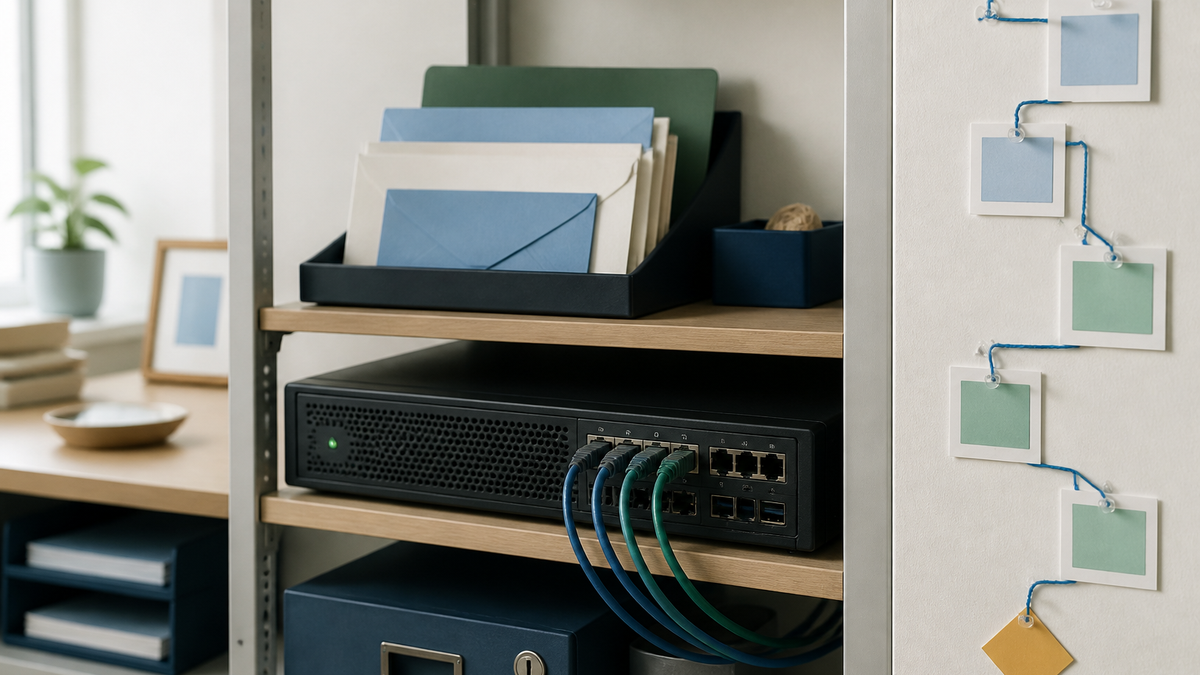
What "self-hosted" covers here
| Layer | Where it runs | Who controls it |
|---|---|---|
| Help desk | FreeScout on your server | You |
| ReplyRabbit module | Inside FreeScout | You; it's a folder in Modules/ |
| Customer data, drafts, tags, audit log | Your FreeScout database | You |
| AI generation | The provider you set per mailbox: a cloud API with your key, or Ollama or LM Studio on your hardware | You choose; local keeps it on-site |
| Licence check | ReplyRabbit's licence service, for plan validation only | Doesn't see conversation data |
The one variable is the AI provider. Choose cloud and the text for each enabled feature goes to that vendor under your account. Choose local and the whole stack is on your infrastructure.
Why teams self-host their AI support
- Data agreements. Some customers, industries and regions require that support content isn't processed by third parties. A local model satisfies that without giving up drafting.
- Cost shape. A flat ReplyRabbit plan plus your own provider bill, or zero provider bill with a local model. No per-seat AI pricing, no per-resolution pricing.
- No lock-in. FreeScout is open source, the data is in your database, and ReplyRabbit can be removed by deactivating it.
- Consistency of control. The same admin who manages the server manages which mailboxes use which AI.
What you still get
Self-hosting doesn't mean a reduced product. Drafts saved in the conversation for an agent to send; rewrite to nicer, shorter or more direct; smart reply routing; spam and noise filtering; 17 languages. On Pro: all providers and local models, knowledge base and product grounding, a Next Actions checklist, Linear, GitHub and Jira issue creation, Slack notifications, and drafts that learn from your edits. On Team: unlimited mailboxes, attachment reading, segment rules, automatic issue creation, confidence scoring, an audit log and team analytics.
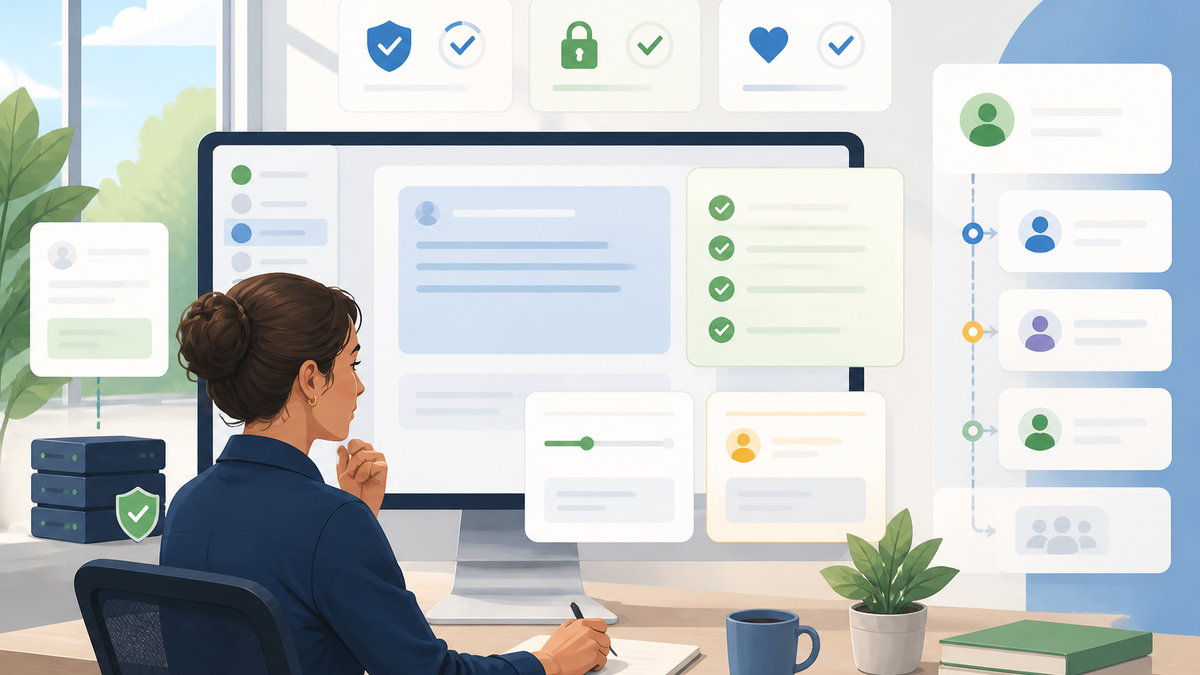
A sensible self-hosted rollout
- Install FreeScout if you haven't; it's a standard PHP application on your own server.
- Add ReplyRabbit by unzipping it into
Modules/, activating it, and clearing the cache. - Start with a cloud key on one mailbox to see draft quality quickly. OpenAI works on the free plan.
- Move sensitive mailboxes to a local model on the Team plan, once you've confirmed the hardware handles it. Keep general mailboxes on cloud if quality matters more there.
- Set the admin controls: provider per mailbox, only the features you need switched on, trackers and Slack scoped, keys rotated on staff changes.
- Turn on the audit log (Team) if you need to show what the AI did.
What self-hosting doesn't remove
You're responsible for the server: HTTPS, updates, backups, and access control on FreeScout and on any local model runtime. A local model is only as private as the machine it runs on. And drafts still need a human review; running on your own hardware doesn't make a wrong date right.
For the privacy mechanics, see AI privacy and security for self-hosted support teams. Provider choice is in Choosing an AI provider, local setup in Ollama integration, configuration in How to set up ReplyRabbit, and short answers in the FAQ.
Official references
Provider names, model lists, pricing, privacy terms, and legal guidance change. Check the current source before setting a production policy.