
Local LLMs for customer support teams
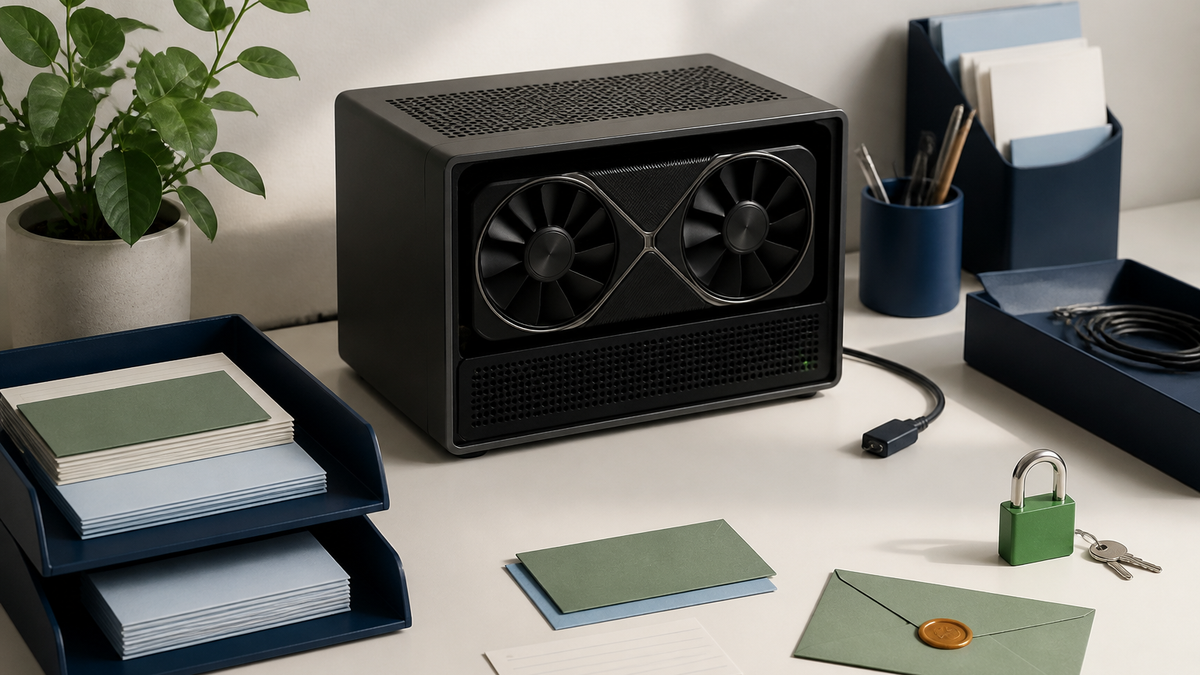
A local LLM is a language model that runs on hardware you control instead of a vendor's cloud. For a support team, that means customer emails can be turned into draft replies without ever leaving your server, and without a per-token bill. The costs are hardware, some setup, and generally lower draft quality than the best cloud models. ReplyRabbit supports local models through Ollama and LM Studio on the Pro and Team plans, chosen per mailbox, so you can use them where they make sense and cloud elsewhere.
Why a support team would want one
- Data never leaves. Contracts, medical questions, financial details and anything under a strict data agreement can be drafted without a third party seeing them.
- Predictable cost. After the hardware, drafting is free. A busy mailbox that would run up a cloud bill costs the same at 50 drafts or 5,000.
- No vendor dependency. Model changes, price changes and outages at a cloud provider don't touch you.
- Simpler compliance conversations. "The email is processed on our own server" is an easier sentence to put in a privacy review than a list of subprocessors.
Where local models fall short
- Quality. The strongest cloud models still write more nuanced, better-judged replies. A small local model is fine for routine tickets and weaker on tricky ones.
- Speed. Without a GPU, a draft can take noticeably longer than a cloud call.
- Operations. Someone has to install the runtime, keep it updated, and notice when it's down.
- Hardware. A shared web server with modest RAM isn't a good host. A dedicated machine or a GPU is.
A realistic split for most teams
The teams that get the most from local LLMs don't go all-in. They use ReplyRabbit's per-mailbox provider setting to divide the work.
| Mailbox | Provider | Why |
|---|---|---|
| General support | Cloud (OpenAI, Anthropic, Google) | Best draft quality for the widest range of tickets |
| Billing or legal | Local (Ollama or LM Studio) | Customer financial and contractual details stay on the server |
| Internal or partner inbox | Local | Low volume, sensitive, quality bar is "good enough" |
Everything else works the same on both: spam and noise filtering, smart reply routing, Next Actions checklists, and the rule that an agent sends every reply.
How it works in ReplyRabbit
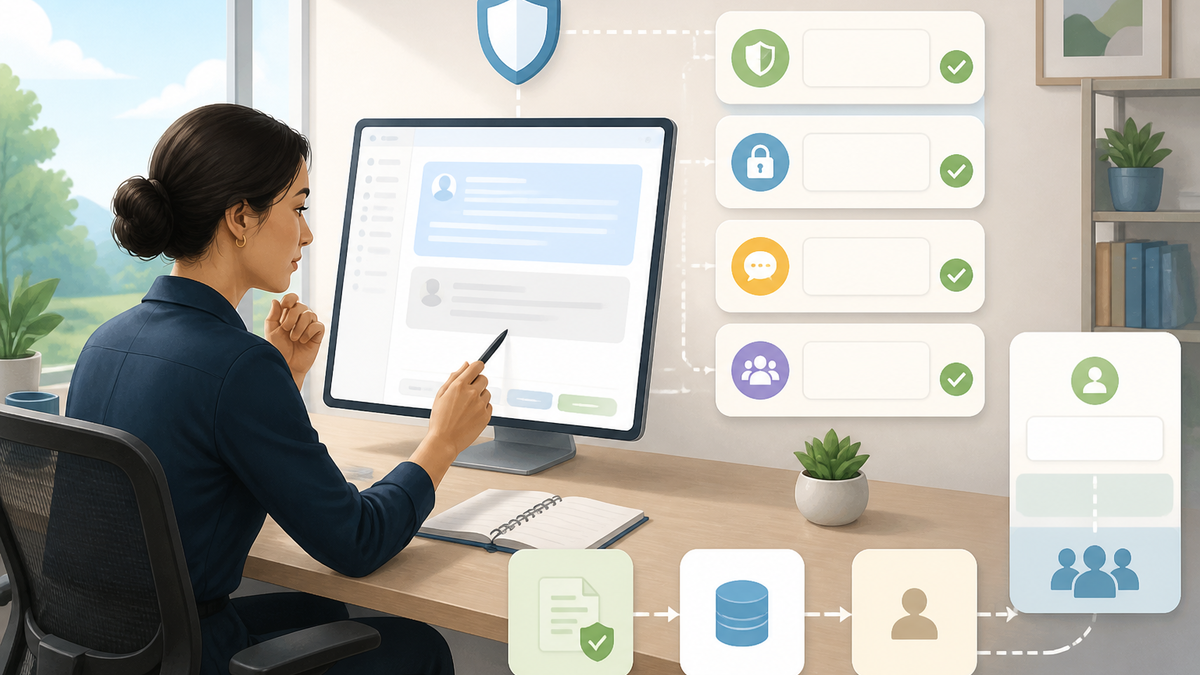
ReplyRabbit connects to Ollama at http://localhost:11434 or LM Studio at http://localhost:1234 on the FreeScout host. There's no API key; you enter the name of a model that's loaded in the runtime. Drafts, next actions and AI Signals for that mailbox are then generated locally. Provider prompt caching isn't used with local models, and there's no per-token charge, though ReplyRabbit still records token counts so budgets and analytics work.
The step-by-step setup is in Connect FreeScout to Ollama, and the reference page is Ollama integration.
Questions to settle before you commit
What hardware will run it? Decide this first. It sets which models are realistic and therefore what quality you'll get.
Which mailboxes actually need it? If the answer is "one", start there. Don't move a general inbox to a weaker model for a privacy benefit it doesn't need.
Who owns the runtime? Updates, restarts and disk space need an owner, like any other service on the server.
How will you judge it? Count agent edits per draft on the same tickets, local versus cloud, for a week. That number tells you more than any benchmark.
For the wider provider trade-offs, see Choosing an AI provider and the data-handling answers in the FAQ. Mailbox setup is in How to set up ReplyRabbit.
Official references
Provider names, model lists, pricing, privacy terms, and legal guidance change. Check the current source before setting a production policy.